01 / Compete
Three ways to queue.
Play solo, search with friends in Flex, or take your team into ranked competition.
 PLUTONIUM
Find your queue, build your roster, and climb the Marble ladder. Competitive Black Ops II starts here.
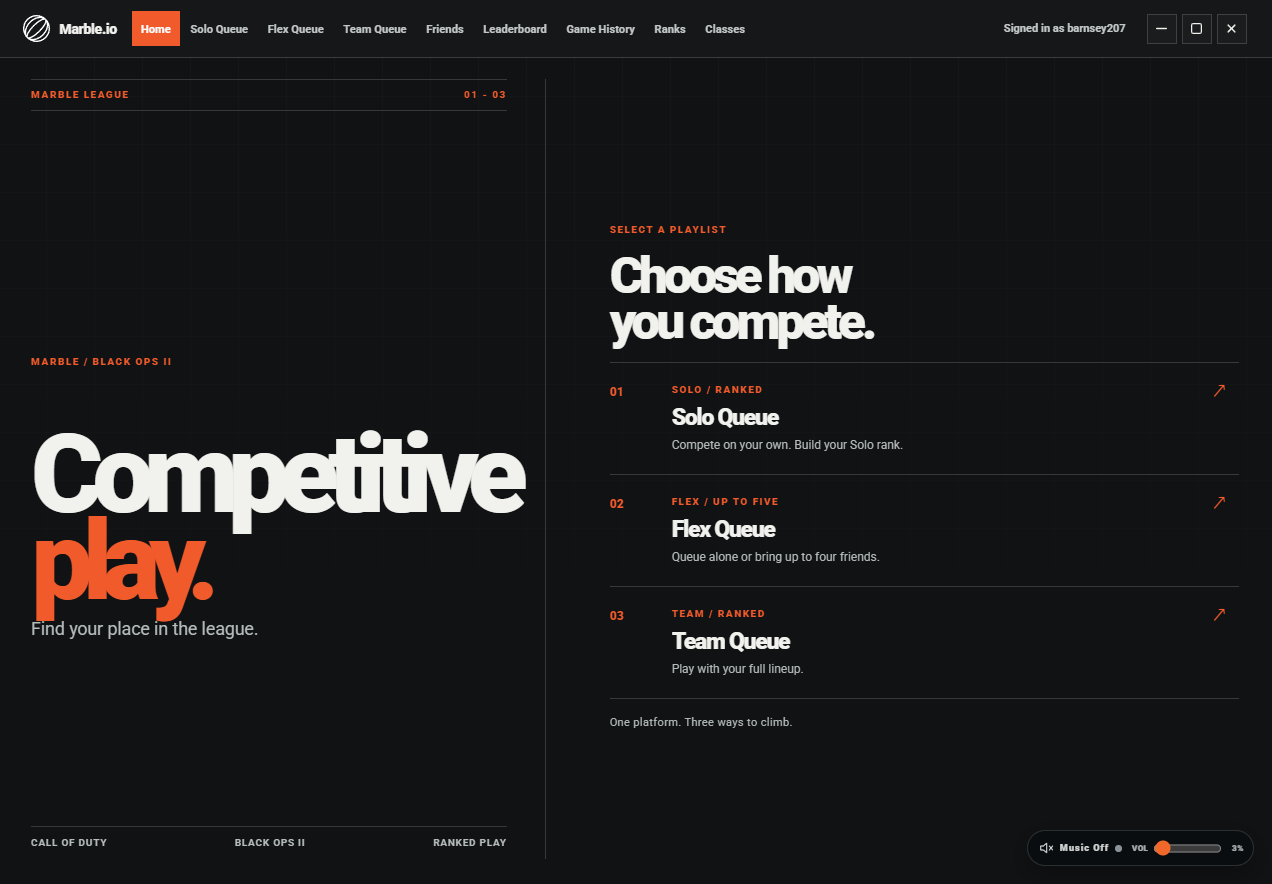
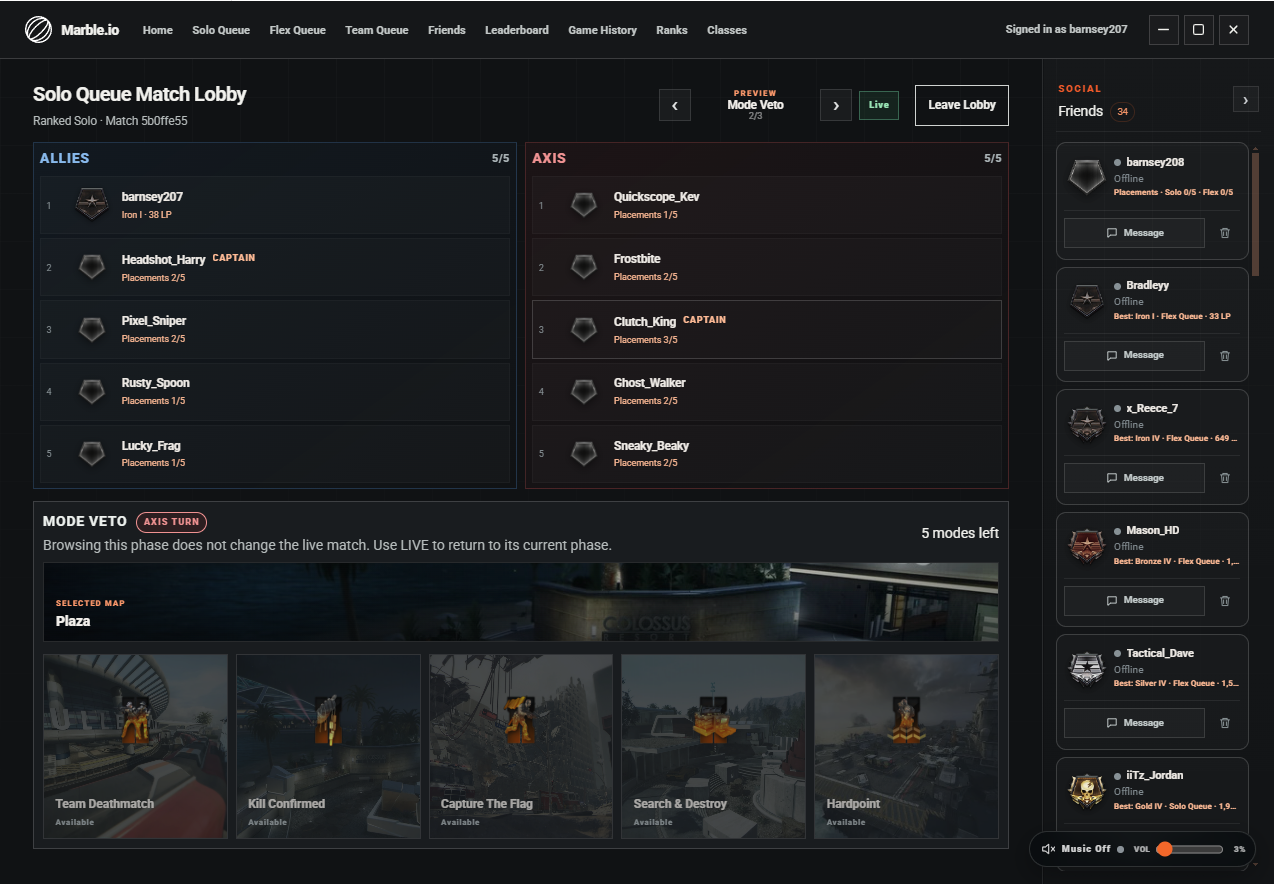
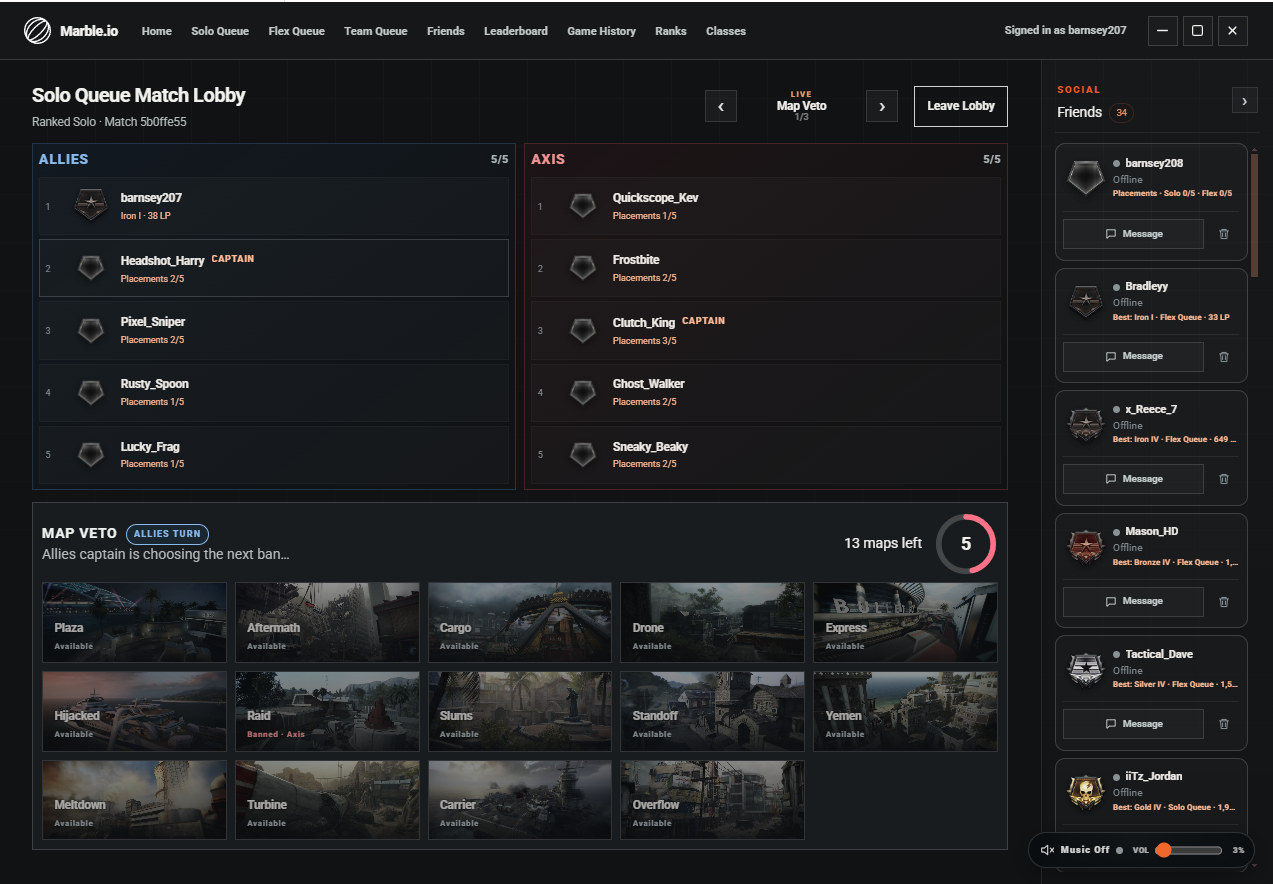
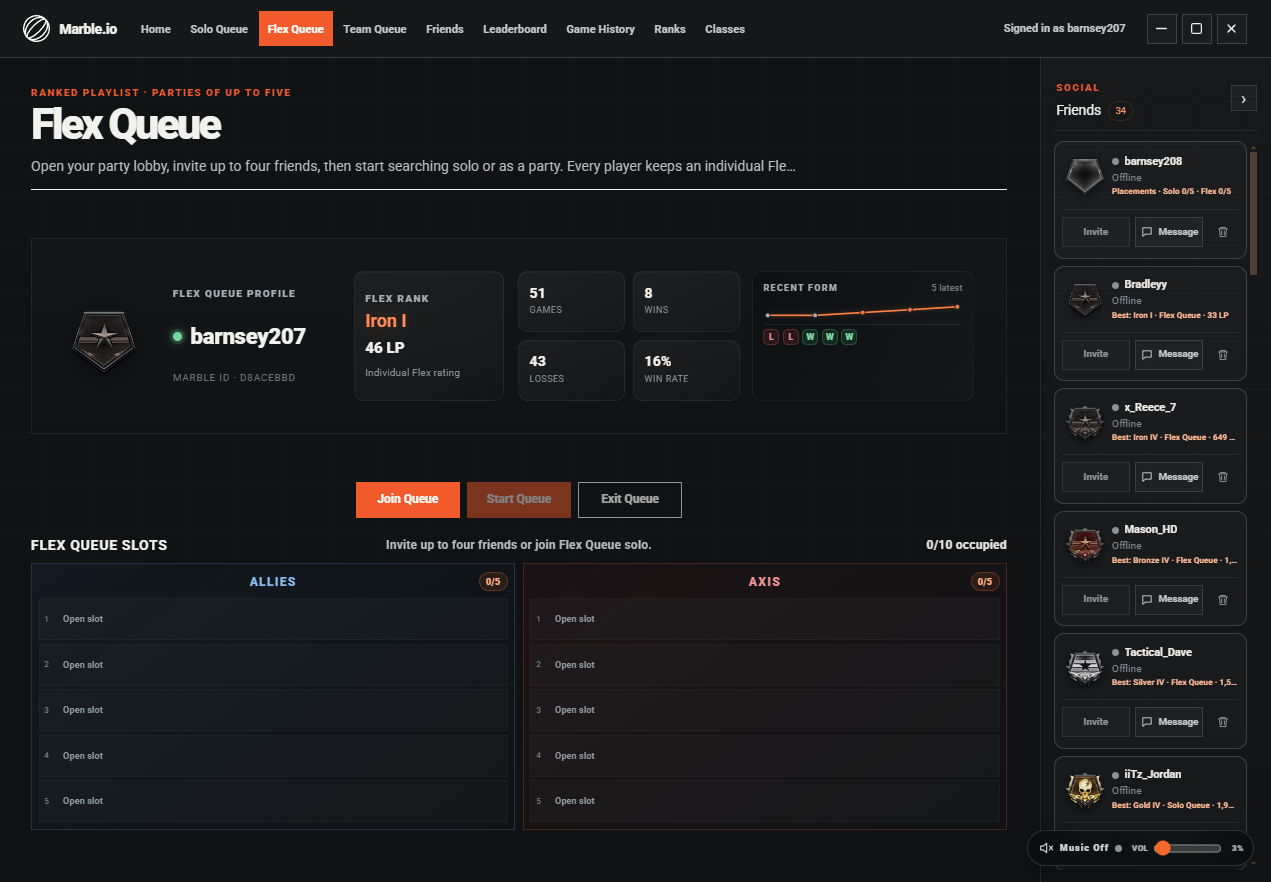
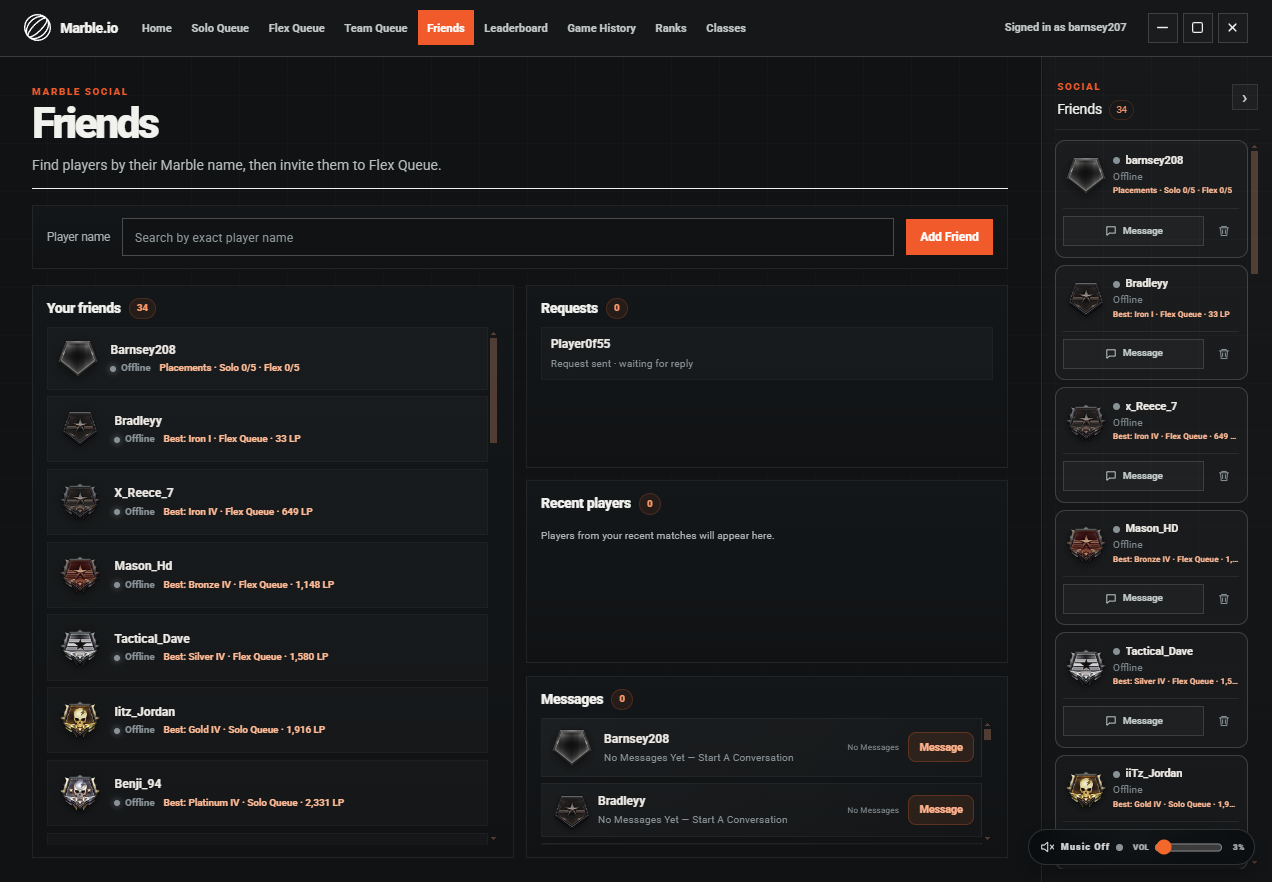
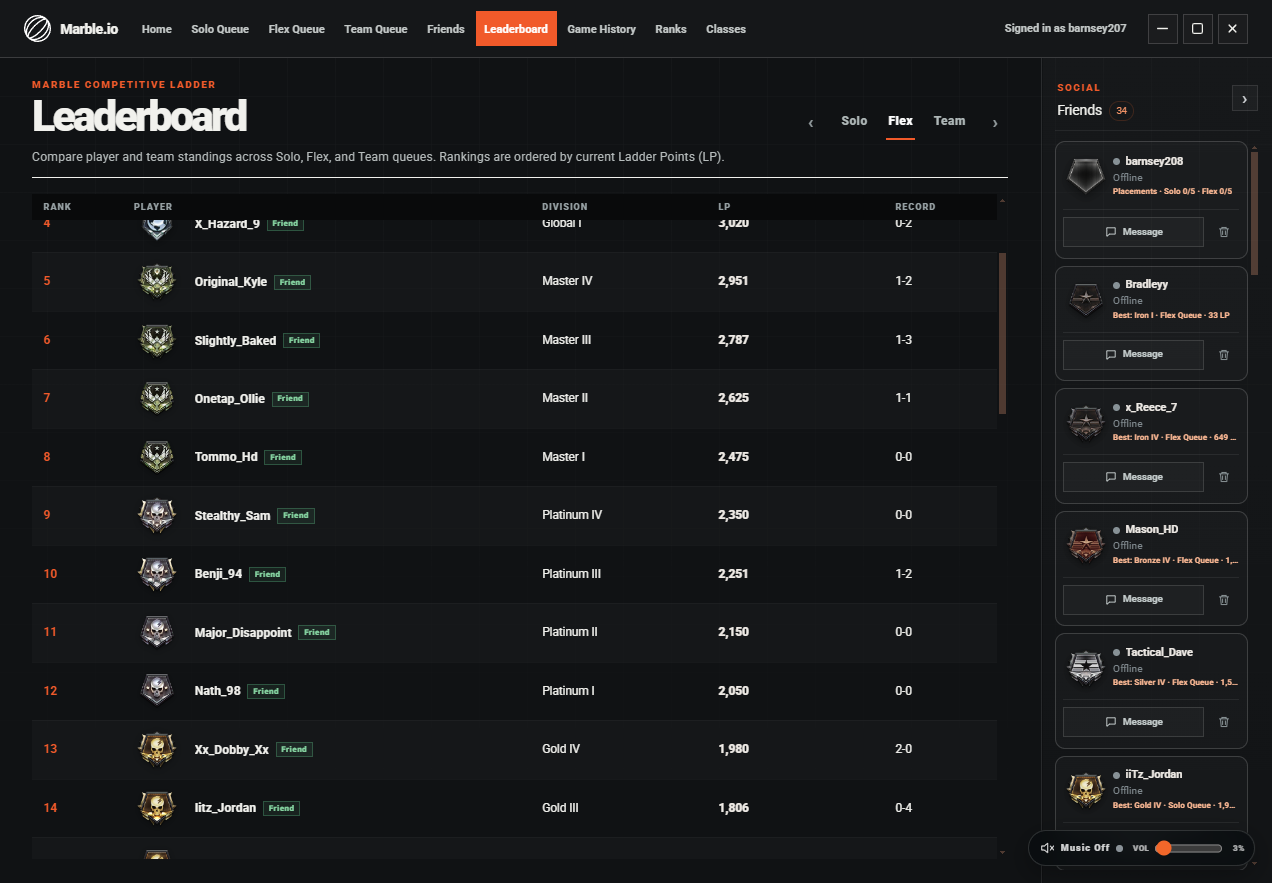
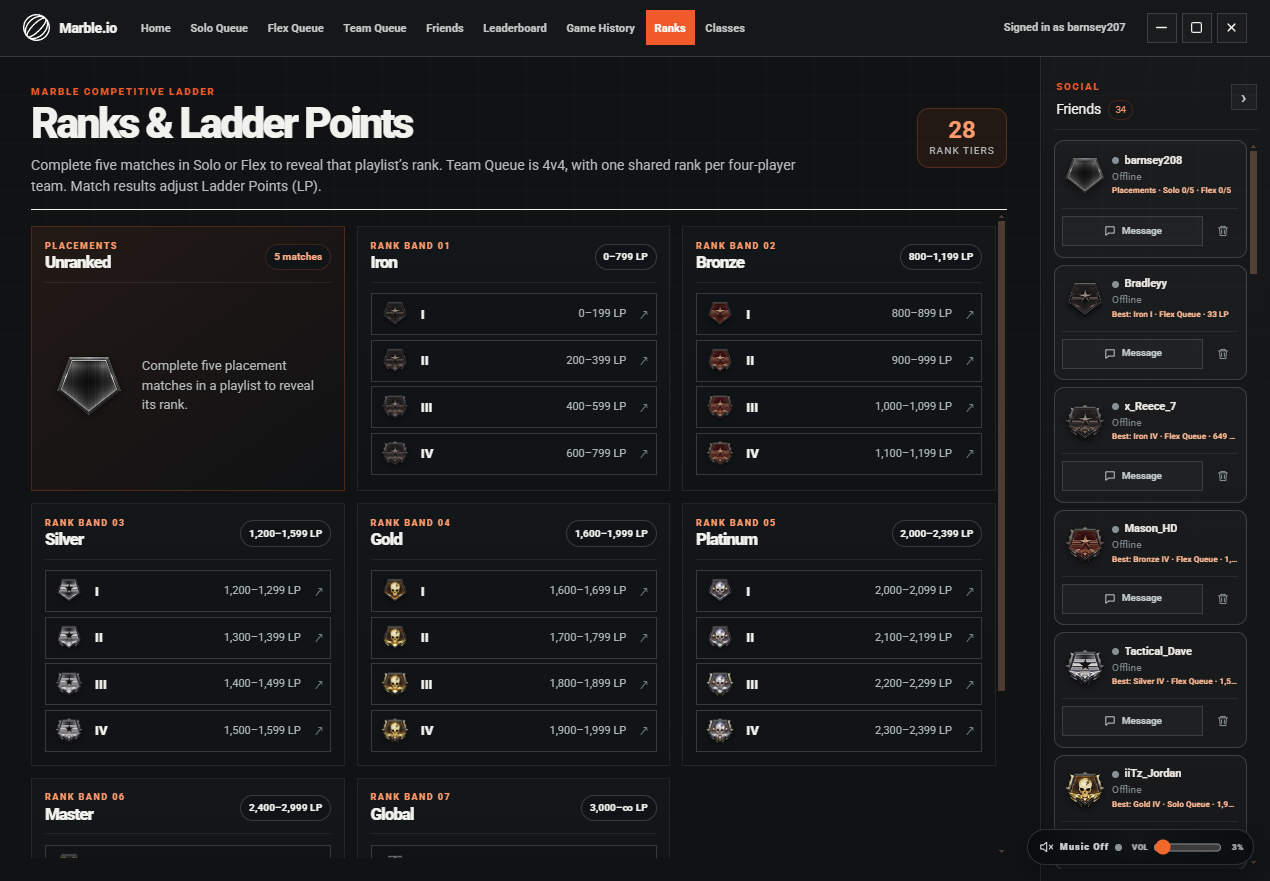
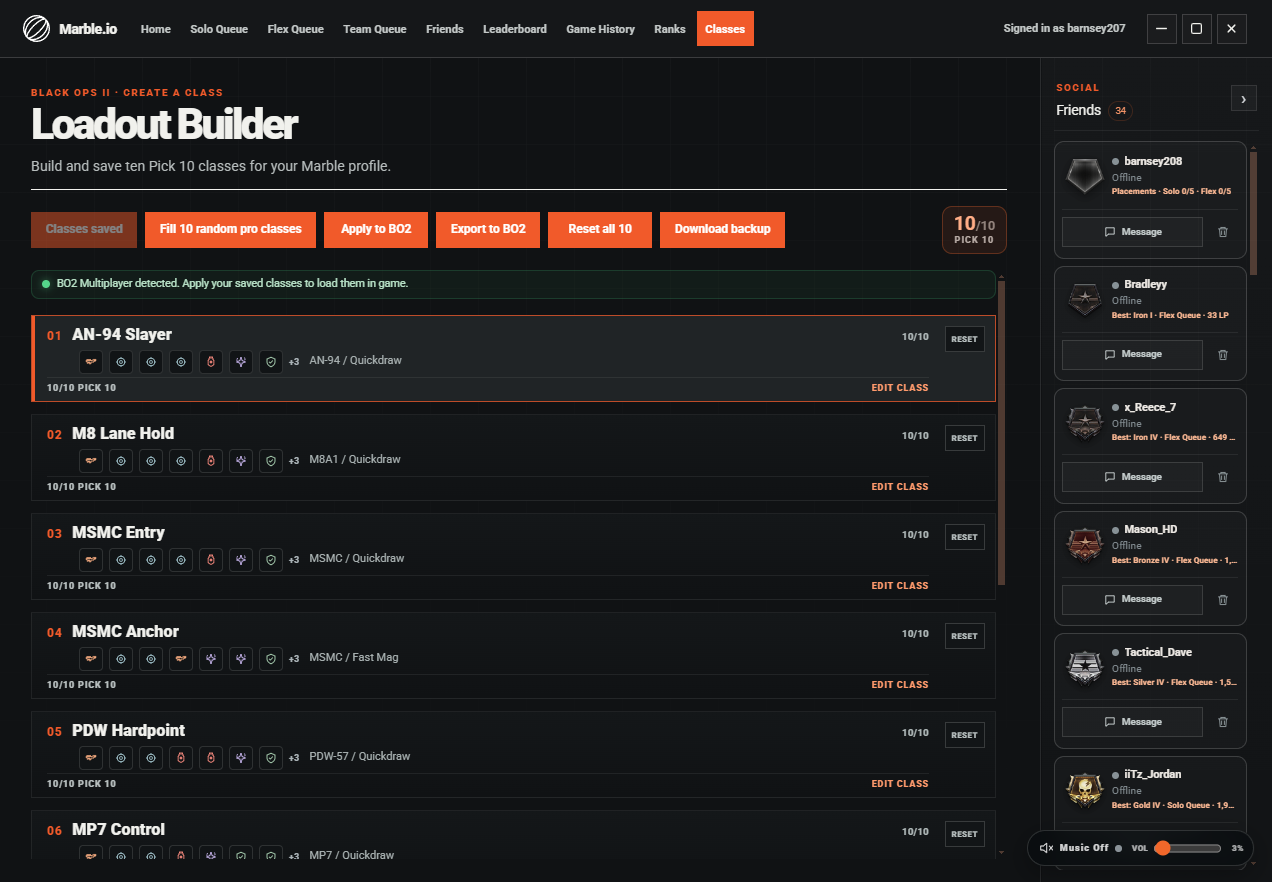
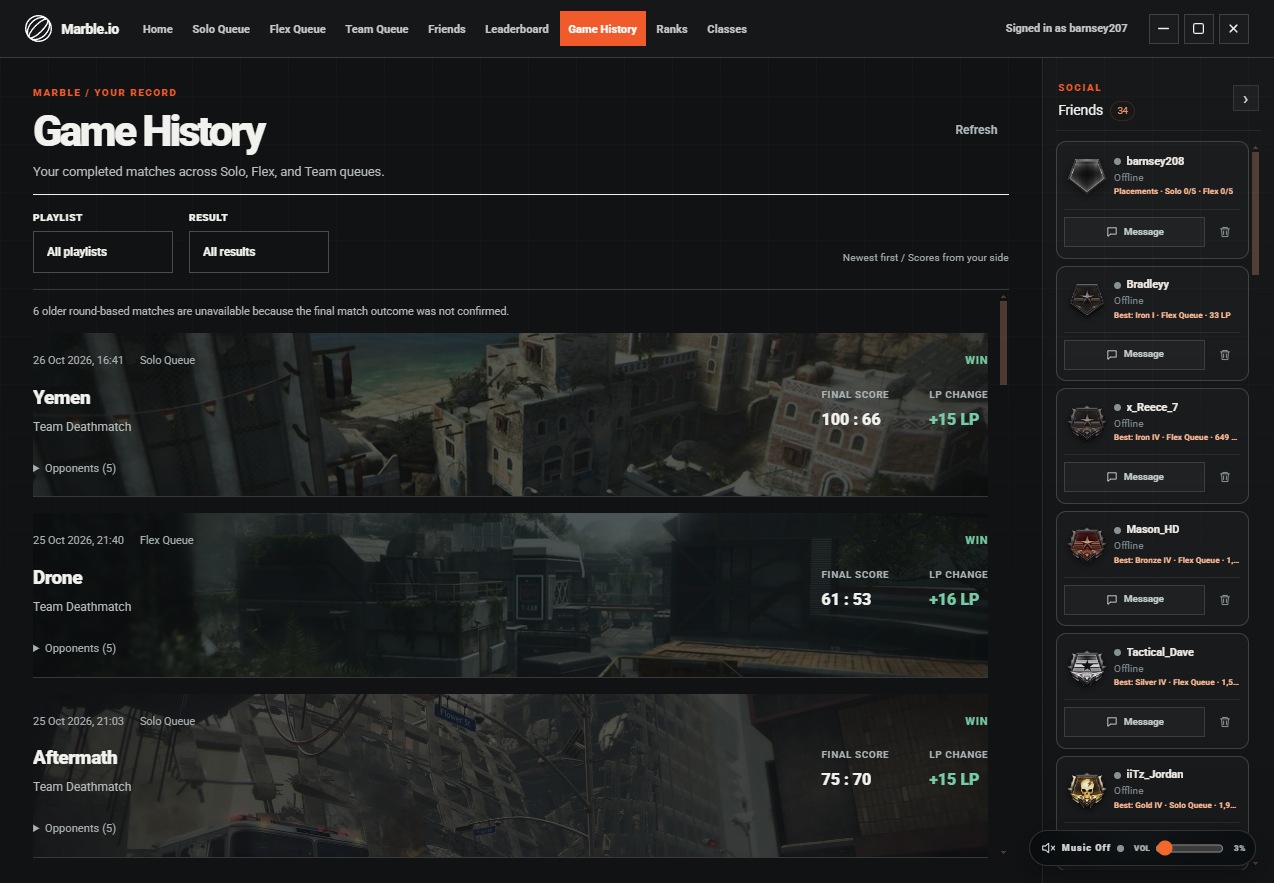
01 / Home — Ranked playlists
Everything around the match has a place: your rank, your roster, your friends, and the games you’ve played.
Play solo, search with friends in Flex, or take your team into ranked competition.
Follow the leaderboard, see your rank, and keep a record of every match.
Add friends, invite your roster, and make your next queue a team effort.
Marble is a companion league for Call of Duty: Black Ops II multiplayer. Every match requires Plutonium and Black Ops II for PC installed on your computer.
Download the Windows beta installer. It contains the Marble app; it does not install Plutonium or Black Ops II.
Open Marble, sign in, and connect your game identity when prompted.
Choose Solo, Flex, or Team and get ready to play through Plutonium.
Download Marble for Windows and join the competitive Black Ops II league.